
 September 23, 2025
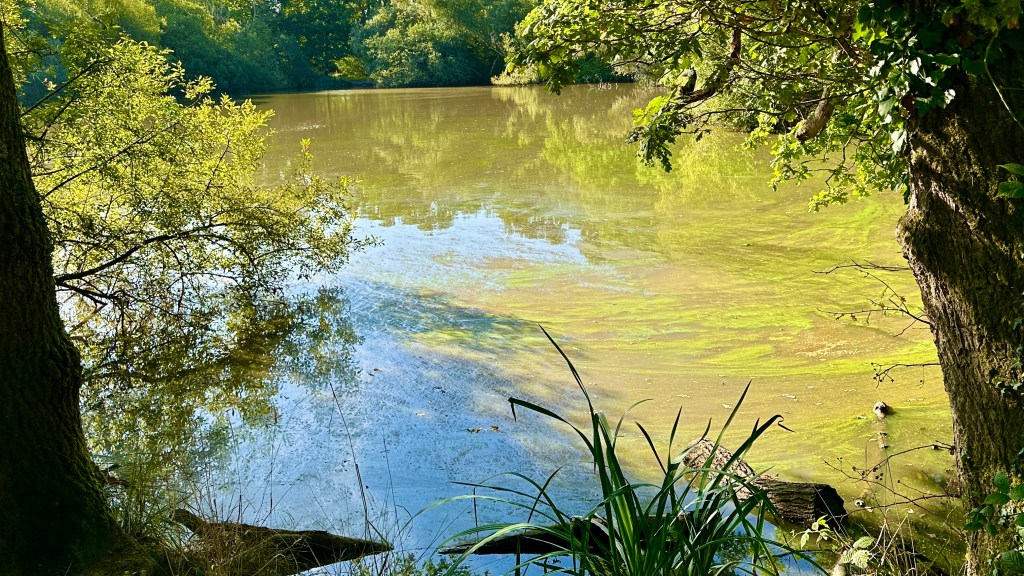
Today’s pond photo…

Hi Fitblitzers…
Wow summer has gone and it was a biting 7˚C this morning. As I’ve lost 22 pounds (1 stone 8lbs) so far in training for the 50K walk…I put on my puffer coat as it was similar to all of the fat I’ve lost as I’m not as insulated now, lol! 🤣
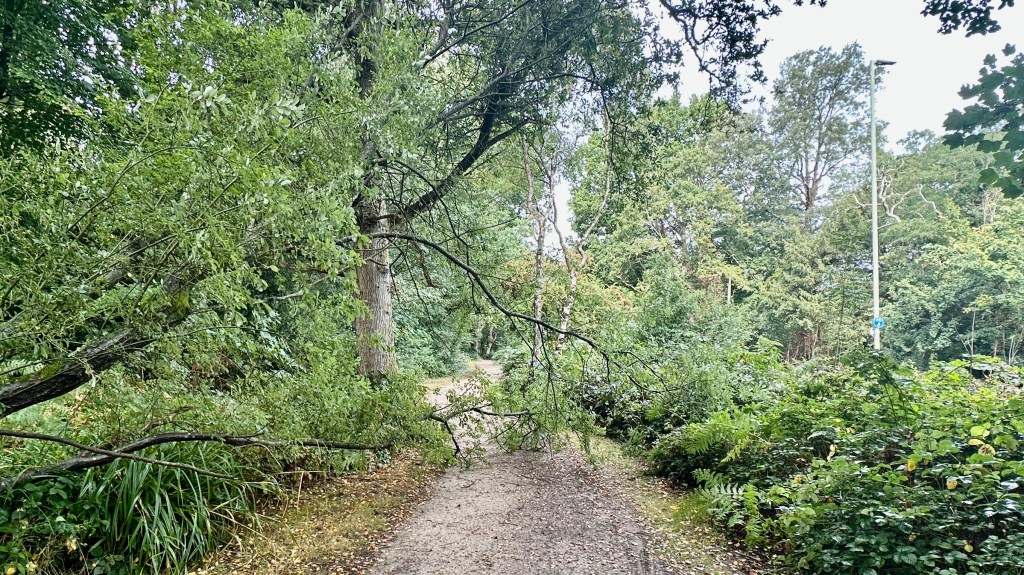
Handbrake turn marker…

I love this part of the trail, as I walk downhill (left of the photo) then blast around the turn and start the three quarter mile uphill part of the trail (right of the photo) and head back towards home. It’s called ‘Handbrake Turn’ as it would be perfect for a rally car to do a handbrake turn here…Oh and it’s also waiting for a kind donation so it can be named with the one who kindly sponsors this challenge. 🧡
My lovely Wife Sarah made me a hot coffee when I arrived home, and she’ll also spoil me with a TUNA stack sandwich for lunch too! 😋
Now focus…

Oh and speaking of my lovely Wife Sarah…Let’s take a seat on her ‘Donation Motivation Marker’ – “Sarah’s Sunshine Bench” and let’s check if we’re in tune as it’s ‘Tuner Tuesday’. My D string (Deficit) is especially going well…I’ve lost 22 pounds so far, just 28 more to go! Each time I write a ‘Tuner Tuesday’ post, I’m losing 2 pound each week…Perfectly on plan! 💪🏼 🙏
EADGBE…🎸
- E – Endurance: Tortoise NOT Hare…This is for LIFE!
- A – Activity Rings: Close my daily apple fitness watch rings.
- D – Deficit: Make sure i’m in a healthy calorie deficit each day until healthy weight.
- G – Goals: Focus (and celebrate) small, medium and BIG goals.
- B – Body & BP: Check blood pressure & listen to my body and look after it (it’s not young anymore).
- E – Edification: Feeding my mind and soul fuels me to serve, encourage, and inspire others.
Scripture snack…
Isaiah 40:31.
But they who wait for the Lord shall renew their strength;
they shall mount up with wings like eagles;
they shall run and not be weary;
they shall walk and not faint. (ESV)

Motivational Quote:..💪🏼
“I don’t need to see the full trail to know it’s worth walking. Every step I take is a statement that the challenges I face won’t hold me back. Some days the climb feels endless…But that’s when faith kicks in, my fitness keeps me moving and my focus reminds me why I started…Faith, Fitness& Focus“. – Steve (me)
Let’s ‘FitBlitz’ 2025 Together! 💪🏼











 iChristian
Recent Comments